Every carrier rate you have been quoted, in one place
Rates from requests, email replies, imports and tariffs land in Rate Tracking. Rate Analyzer shows what a lane costs across your carriers.
Garden City Terminal, Savannah → Atlanta, GA 30336
- Average Rate
- $1,142
- $1,118 excluding outliers
- Price Range
- $397
- 34.8% variation
- Carriers
- 7
- Active carriers for this lane
- Best Rate
- $968
- 15.2% below average
| Carrier | Min Rate | Max Rate | Avg Rate |
|---|---|---|---|
| Peach State Cartage | $968 | $1,040 | $1,002 |
| Coastal Box Lines | $1,050 | $1,190 | $1,118 |
| Southern Ramp Haul | $1,120 | $1,365 | $1,236 |
One list for every rate
Rate Tracking holds every rate, wherever it came from:
- Rates carriers submit from your rate requests
- Rates Bidi AI reads from carrier emails and attachments
- Rate sheets you import and tariffs carriers upload
- Rates your team enters by hand
New rates from carriers wait for approval, and you approve or reject them from the same list.
Import rate sheets in any format
Import a carrier’s rate sheet as Excel, CSV, PDF, Word, an image or a saved email, up to 20 MB. Bidi AI pulls out the lanes, and you review them before any rate is created.
For standing tariffs, upload a carrier’s spreadsheet on their behalf, or let carriers upload it themselves from the carrier portal.
Put the rates you already have on a bid
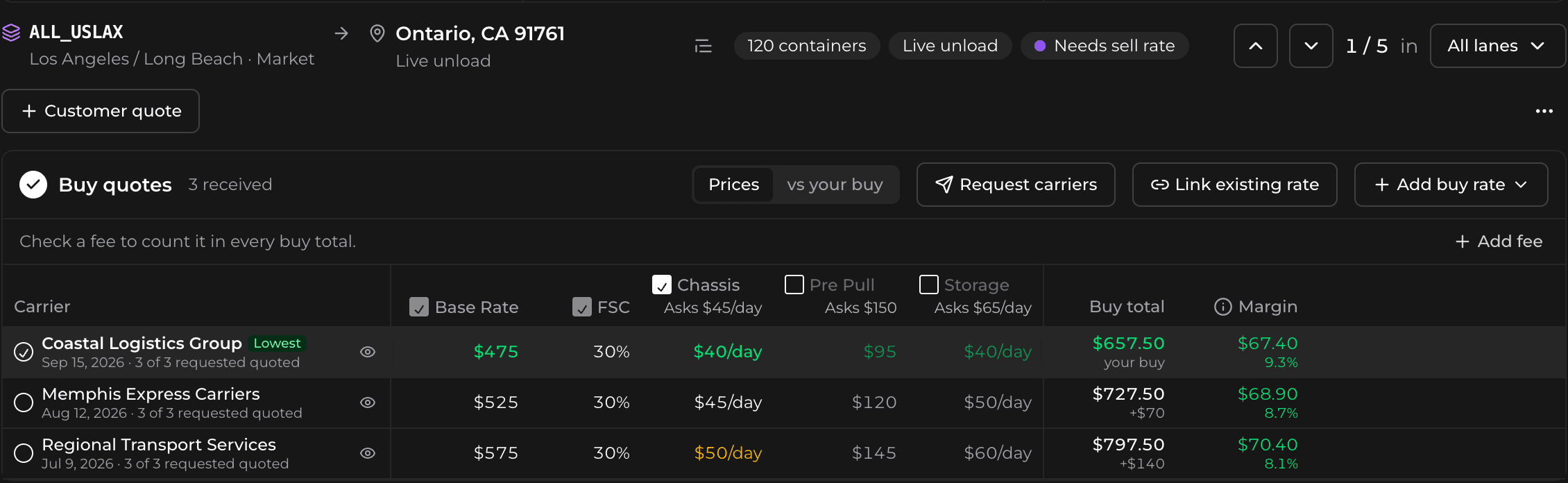
On a bid lane, Link existing rates lists the rates on that lane, plus rates from the last 12 months on nearby lanes in the same metro or within 25 miles, including carrier quotes still waiting for approval. Each rate shows its type: Spot, Tariff, Contract or RFP.
Match buys fills every lane that has no buy rate with up to three of the cheapest matching rates updated in the last year. Change how old the rates can be, how many to add, the division or the carriers, or let it use nearby lanes when a lane has no match.
Add a buy rate to a lane without sending a request: type it in, or import a carrier’s document and each rate lands on every lane it matches.
See what a lane really costs
Pick an origin and a destination as a terminal, a market or an address. Rate Analyzer shows the average rate with and without outliers, the price range, how many carriers have quoted the lane and the best rate.
Each carrier’s lowest, highest and average rate sits underneath, and one click sends the lane back out as a new rate request.
Ports and rail ramps already loaded
Lanes are built on a catalog of more than 250 port and rail terminals across the US, Canada and Mexico, grouped into markets, so you can look at a lane by a single terminal or by its whole market.